I can’t express my how frustrated I am with this current issue at the moment. I’m on deep rage right now.
I have not been playing any PVP for a while and it’s only recently that I started it again and this happens.
When I launched and waited, I got Triangulation but it would later say client unavailable, No matter how many times I try to rejoin the battle, it would only say the same thing after 15 seconds.
Until the battle was over and the team I was supposed to be with won.
I was fine with the no rewards until I found that the win wasn’t counted on my win/loss ratio. You don’t know how I worked my xxxx to get it to 1.0 given my ridiculous ping of 200-400ms. Let alone some other server/technical issues in the past that had forced me out of some battles that I could have won. Thus, every win count is important to me. I don’t care about the forfeited rewards.
For Christ’s sake, please do something!
Please also add the following information:
- Your system specs + Operating system as DX Diag.
- Log files + Exceptions
( Please only add the Logs and Exceptions of the game session where the bug occured, not all! )
(Logs can be found here: My Documents\My Games\StarConflict\logs)
(Exceptions can be found here: My Documents\My Games\StarConflict\Exceptions
( Upload the logs + exceptions as a .zip archive, not .rar! )
(In case of game freezes or crashes, you should launch the game in window mode to have acess to your system)
OMG, please don’t tell me that. This is not a bug! It’s the server’s connectivity issues.
Now, I’m even afraid to launch again thinking that it may happen again.
And I dared try it again and it happened again. This is so terrible. How do you expect people to invest on this? Very good game but very bad and unstable server.
And I thought it was a good idea to play during peak times… sigh…
God, I can’t believe this. Here are the things being asked for. Together with some screen shots:
(Please bear in mind that I only had this problem today.)
Description Ideapad Y410p
Processor
4th generation Intel® Core™ i7-4700MQ (2.40GHz 1600MHz 6MB)
Operating System
- Windows 8.1 64bit, x64-based processor
Graphics
- NVIDIA® GeForce® GT750M 2GB
Memory
Up to 8GB DDR3L -
Hard Disk Drive
Up to 1TB HDD storage – (5400rpm)
Integrated Communications
- Intel Centrino Wireless N-2230 - 802.11b/g/n Wi-Fi connectivity
- 1 GB LAN
There is no existing exception files for the current session.
[logs.zip](< base_url >/applications/core/interface/file/attachment.php?id=7358)
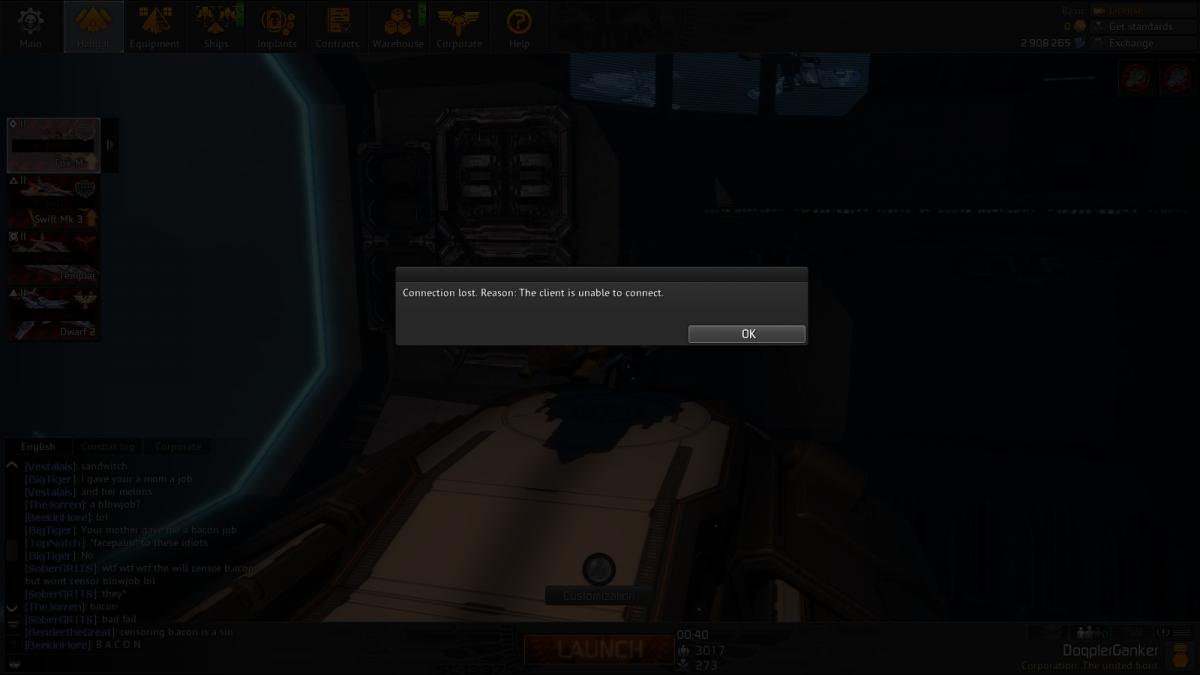
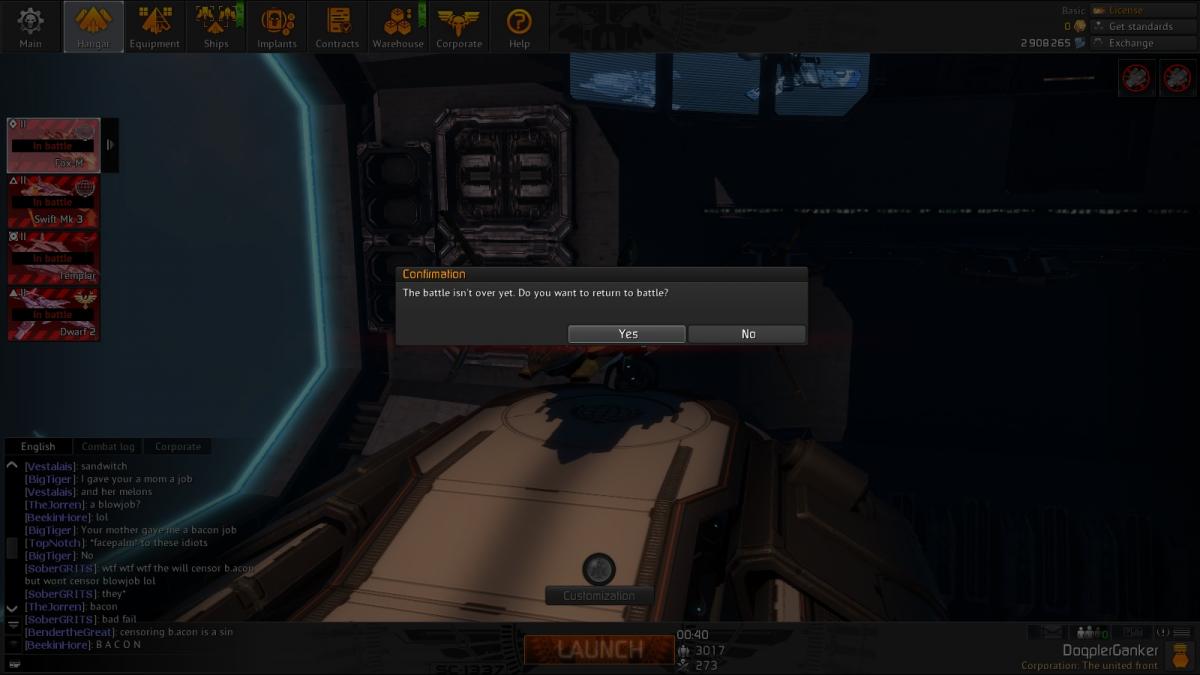
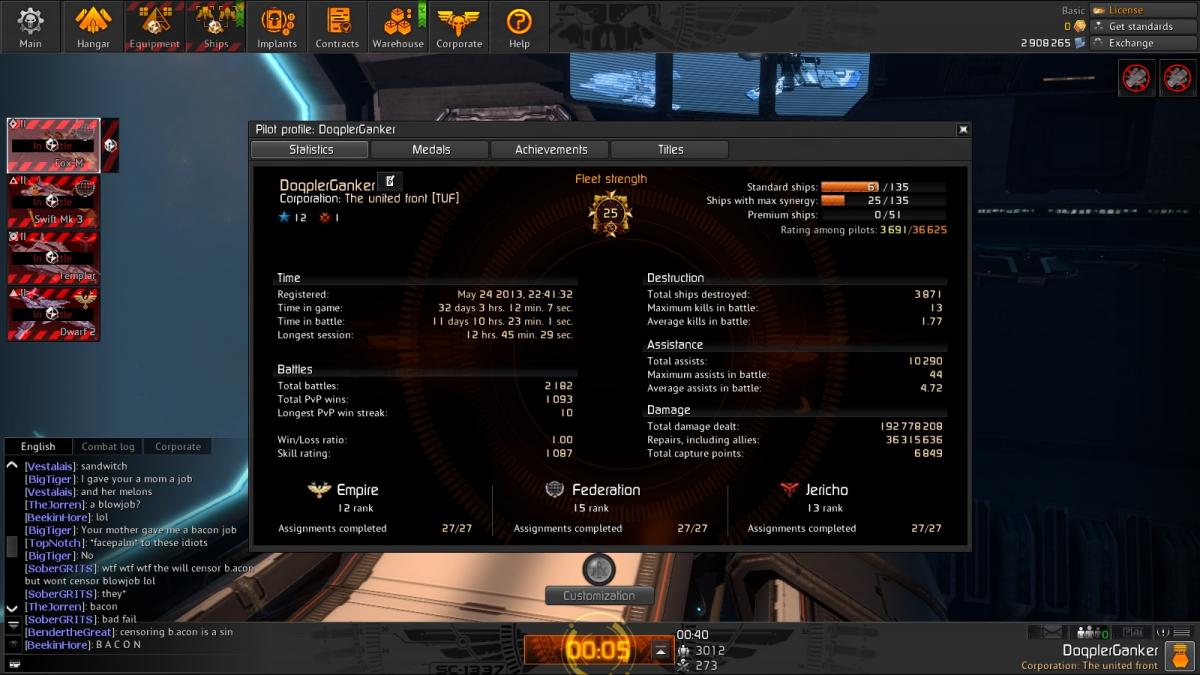
God, I can’t believe this. Here are the things you need anyway. Together with some screen shots:
Forwarded, thank you DoqplerGanker for your help.
Forwarded, thank you DoqplerGanker for your help.
Please note I edited some details. Thanks!
I was suddenly able to launch now. Note that even after I waited for off peak times, I wasn’t able to do so until I restarted both my modem & router. I’m saying this because I’m expecting for this case to be investigated still to avoid it from happening again. Appreciate it. Thanks!
